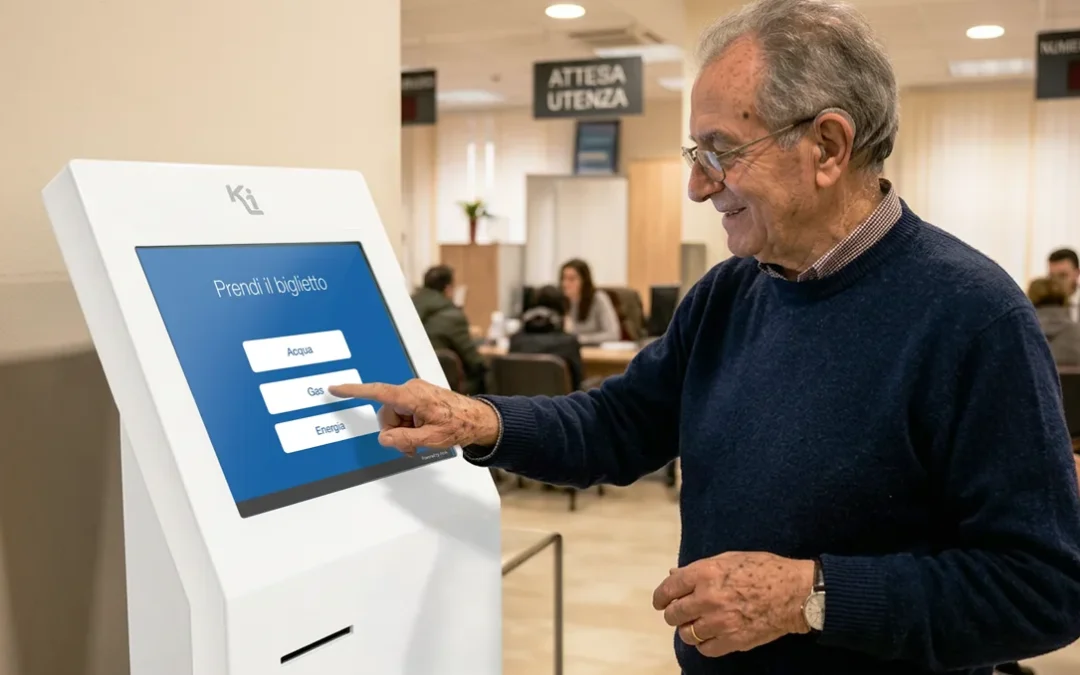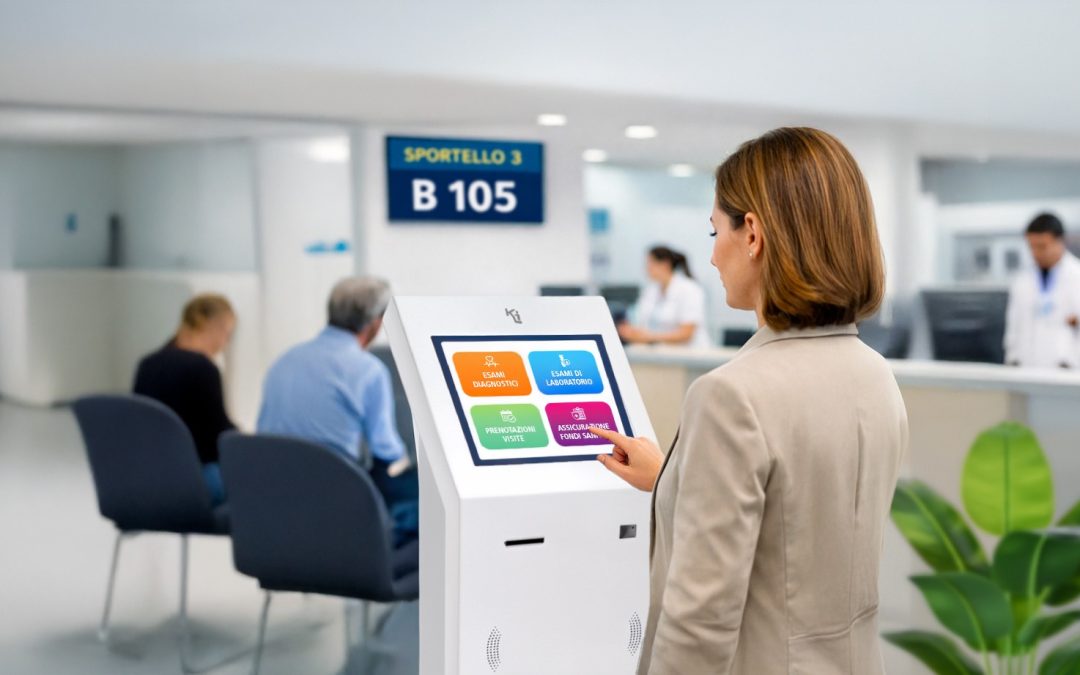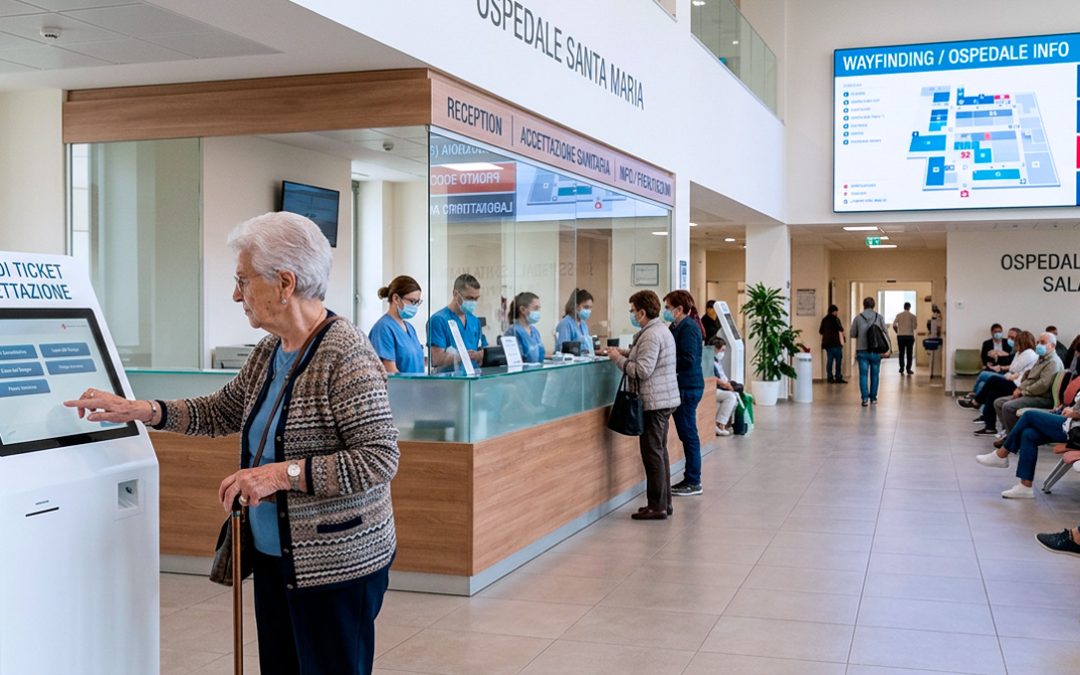

You’ve realized you need a queue management system. You’ve done the hardest part.
Now comes the part where people make the most mistakes: choosing the wrong one—and only realizing it after installation.
The market is full of solutions—from number distributors costing a few hundred euros to cloud systems with predictive analytics.
Everything in between: hardware of questionable quality, software that seems complete until you install it, suppliers that disappear after the sale.
This guide is intended to help you get your bearings before signing any quote. Not to choose the “best overall” system—that doesn’t exist—but to choose the right one for your specific context.
A queue management system isn’t chosen for what it does.
It’s chosen for how well it performs when you really need it.
NOTE
If you’re still figuring out what a queue management system is and how it works, we recommend starting with our complete guide to queue management systems
1. How to choose a queue management system: start with what you really need
The most common mistake is to start with the technology instead of the problem.
“I want a touch kiosk with apps and statistics” is a point of arrival, not a starting point.
Questions to ask yourself before opening any catalog:
How many services do you need to manage?
Not all contexts require the same level of complexity. A pharmacy with a one-stop shop and a progressive queue has different needs than a clinic with admissions, consultations, blood collections, and medical report collection.
Single service → simple dispenser with numeric call – Qmicro Kiosk – technical sheet
2–4 services → multi-service system with kiosk selection
5+ services or cross-flows → platform with intelligent addressing
How many counters or desks do you have?
The number of workstations determines the complexity of the call system and operator console.
1–2 workstations → simple console or tablet
3–6 workstations → centralized system with load management
7+ workstations or multiplex → distributed architecture with central server
How many people do you manage at peak times?
A system designed for 15 people/hour will struggle at 40. It’s not a question of software: it’s a question of hardware architecture and queue sizing.
Do you already have appointments booked, or do you only manage spontaneous walk-ins?
If you work by appointment (or are thinking of doing so), your queue management system must be able to integrate with a booking software. These are two distinct functions that must coexist: those who arrive with a reservation enter a priority channel, while those who arrive spontaneously are managed in free slots.
This integration isn’t a given: not all systems support it, and not always natively.
→ Further information: Online booking system: Kiosk Buk
→ Queue management system: complete guide
Do you have a single location or multiple locations?
Multi-location management substantially changes the system architecture: it requires a centralized cloud platform that allows you to configure, monitor, and collect data from each location in an aggregate manner. This isn’t an additional feature—it’s a project requirement.
→ Further information: Multi-site queue management system
2. Components of a queue management system: what really makes the difference
A queue management system is made up of several elements. Understanding which ones truly impact the quality of service helps you critically evaluate quotes.
The totem or selection point
It is the first point of contact with the user. It must be intuitive, fast, and physically stable.
A totem that moves when touched, a touch screen that is insensitive enough to not display the effect of the touch, or a screen that is difficult to read against the light, does not solve the queue problem: it just moves it.
A kiosk that moves when you touch the display, or a screen that’s difficult to read when held up to the light, immediately raises concerns about the stability and security of the system before the wait even begins. Professional hardware isn’t a luxury: it’s the prerequisite for the system to function.
Evaluate:
- Structural stability (weight, base, materials)
- Display quality and brightness
- Touch sensitivity
- Simple interface
- ADA/Accessibility compliance
- Resistance to accidental or intentional tampering (impact, misuse, vandalism)
Queue and waiting management software
It’s the heart of the system. It manages queue logic, call priorities, work distribution among operators, and data collection.
The differences between basic and advanced software aren’t just cosmetic:
- Service configurability (how many, what they’re called, and what their priorities are)
- Direction logic (who calls who, when, and according to what criteria)
- Real-time peak management
- Statistics and reporting (not just numbers: data analysis)
- Updates and post-installation support
Software that doesn’t update is an aging system. Always ask: how is support managed? How often are updates released? Who do I contact if something doesn’t work the day after installation?
Call displays
These are the monitors that show the numbers of users waiting in line and indicate which counter or service they should go to when called.
Often overlooked during the selection process.
A poorly positioned display, with text that’s illegible from a distance or no audio, forces operators to call back manually—nullifying part of the system’s benefits.
Evaluate:
- Visibility throughout the waiting area
- Size and readability of text from a distance
- Presence of an audible signal (audio reminder)
- Positioning with respect to the flow of people
- Ability to integrate informational or promotional content during the wait
Please note: Orientation and type of monitor are not details. Not all displays work in portrait mode, and above all, a professional monitor is not a TV: ignoring this almost always leads to poor choices.
To better understand the difference between a monitor and a TV, read the in-depth article:
→ Monitors vs. televisions: why they’re not the same thing at the point of sale
The operator console
It’s the interface staff use every day, on tablets, mobile devices, or desktops.
It must be fast, intuitive, and require no ongoing training. If the operator spends more time at the console than they spend organizing queues, the system won’t work.
3. Criteria for choosing a queue management system that quotes don’t show
Two quotes with the same price can hide substantial differences. Here are the factors that don’t appear in the technical specifications but determine the true value of the investment.
Ease of configuration and modification
Services change. Staff rotate. Priorities update. A system that requires the provider’s intervention every time you want to add a service or change a priority is a system that makes you dependent.
Ask yourself: can I reconfigure the services myself? Can I add a station without taking the system out of service? Can I modify the display schedules remotely?
Scalability
The system you install today must be able to grow with you. Adding a location, integrating online booking, connecting a customer satisfaction system—these needs often arise after installation, not before.
A poorly designed system doesn’t scale: it gets replaced. And replacement costs double.
Operational Reliability
A queue management system that crashes during peaks is worse than not having one at all. Professional hardware is designed to operate 24/7, without overheating or unexpected reboots.
Ask: what is the guaranteed uptime? What happens if the server goes offline? Is there an offline (local) mode of operation in case of network problems?
Service and Support
The value of a supplier is measured above all after the sale. Before purchasing, ask:
- Response times in the event of a breakdown
- Who will physically intervene and in what timeframe
- Warranty coverage for hardware and software
- Availability of firmware and queue management software updates
DATA
One of the main reasons for dissatisfaction with queue management system installations isn’t the technology: it’s the lack of after-sales support. Choosing a supplier means choosing an operational partner, not just a product.
4. When a simple system is enough (and when it isn’t)
Not every context requires an advanced platform. The choice must be proportionate to real needs—neither undersized nor oversized.
An undersized system fails at peak times—precisely when it’s needed most. An oversized one creates operational complexity that staff can’t manage.
The balance is found by starting from the actual flow, not the catalog’s functionality.
5. Questions to ask before choosing a queue management system
Before accepting a quote:
- Does the system work offline?
- Can I configure it myself?
- Is the hardware designed for 24/7 operation?
- Are updates included?
- How long does it take to get there?
- Does it integrate with online booking?
- Can I scale without redoing everything?
- Are there verifiable references?
A supplier who can’t answer these questions—or whose answers are vague—is a red flag not to be ignored. A well-executed queue management project starts with an in-depth consultation, not a price list.
6. How much does a queue management system cost: what really matters
The cost of a queue management system cannot be standardized, because each project has different variables.
But the items that have the greatest impact are:
The correct question is not “how much does the system cost” but “how much does it cost me not to have one—or to have an inadequate one?”
The invisible costs of disorganized waiting—customers leaving the line, interrupted operators, a negative perception of service—accumulate every day and rarely appear in financial statements, but they have a significant impact on revenue, loyalty, and perceived quality.
ADVANCED ANALYSIS
The ROI of a queue management system isn’t measured solely by operational efficiency. In retail settings like pharmacies and supermarkets, orderly queue management has a positive impact on customer convenience time—and therefore on the average receipt.Sector studies estimate positive variations between 5% and 10% in organized settings compared to those with unorganized queues.
→ For detailed price ranges by organization type and a purchase vs. rental comparison, read: How much does a queue management system cost: the complete guide to 2026 prices
7. How to evaluate a solution: the Kiosk Hydra case study
Kiosk Hydra is the flow management platform developed by Kiosk. It’s not a standard catalog product: it’s a system that can be configured to fit any context, from small facilities with a couple of branches to multi-site networks with centralized reporting needs.
It meets the criteria described in this guide:
-
- Intelligent routing for differentiated services
- Simple operator console, minimal training
- Integrated management of online reservations (with Kiosk Buk) and spontaneous access
- Flow statistics: average times, peaks, distribution by service
Multi-site cloud architecture
- Native integration with digital signage for waiting displays
- Professional hardware designed for continuous 24/7 use
If the criteria you’ve read so far are relevant to your context, Hydra is designed precisely to meet these scenarios.
→ Discover Kiosk Hydra, the enterprise queue management platform
In summary: what to keep in mind
Choosing a queue management system isn’t a technical decision—it’s an organizational decision that impacts both those working and those waiting.
The points that really matter:
- Start from real needs (services, flows, branches), not from the catalog
- Professional hardware is not optional: it is the basis for reliable operation
- Software that cannot be configured independently is a cost that continues over time
- Scalability should be planned first, not afterward
- The supplier is as important as the product: ask for references, ask about support times
- The right price is that of the right system — neither the cheapest nor the most complex
If you’re still gathering information before requesting quotes, the Queue Management System: Complete Guide covers the whole picture — types, technologies, sectors of use, and in-depth evaluation criteria.

Want to understand which queue management system is best for your business?
Let’s talk about it.
Tell us about your project