→ This article is part of the complete guide to digital signage.
A patient entering a hospital carries two burdens: the physical one, related to their health condition, and the cognitive one, related to orienting themselves in a complex facility, understanding procedures, and waiting. The second burden is often underestimated—yet it determines the perceived quality of the entire experience, even when the care received is excellent.
Digital signage in healthcare was born precisely here: not as a decorative technology, but as an operational infrastructure that reduces the patient’s cognitive burden, optimizes internal flows, and frees staff from repetitive information tasks.
In this guide, we’ll look at how it works in practice, what the critical touchpoints are, which kiosk products are involved, and how to design a system that produces real value—not just lit screens.
Table of Contents
- Digital signage in healthcare: a context unlike any other
- Critical touchpoints: where digital signage makes the difference
- Queue management and patient flow: Kiosk Hydra
- Orientation in healthcare facilities: Kiosk Wayfinder
- Video assistance and telemedicine: Kiosk Live Hospital
- Communication on displays and video walls: the digital signage CMS
- Specific technical and regulatory requirements for healthcare
- How to Design a Digital Signage System for a Healthcare Facility
- FAQ
1. Digital Signage in Healthcare: a different context from all others
Healthcare digital signage is not simply digital signage applied to a hospital. It is a category in itself, with requirements, constraints, and opportunities that exist in no other sector.
The public is different. Patients are not consumers who freely choose where to be: they are vulnerable people, often elderly, often accompanied, often disoriented. Communication must be clear, reassuring, and accessible. There is no room for visual ambiguity or messages that require elaboration.
The operational context is different. Hospitals operate 24/7, with user flows that change radically between day, night, and weekends. Departments change configurations, staff rotate, and information is constantly updated. A system that requires manual intervention for every update is unsustainable.
The regulatory implications are diverse. Privacy, GDPR, accessibility, compliance with national and regional healthcare regulations: every component of the system must be designed with a more stringent regulatory framework in mind than retail or corporate systems.
The return on investment is different. It is not measured in additional sales, but in a reduction in perceived waiting time, a decrease in staff inquiries, and an improvement in patient satisfaction scores—metrics that healthcare facilities systematically measure and that have a direct impact on their reputation and institutional ratings.
In facilities that have implemented integrated digital signage and queue management systems, perceived waiting time is reduced by an average of 35%, even when actual waiting time remains unchanged. The difference lies in the quality of information available while waiting.
2. Critical touchpoints: where digital signage makes the difference
Not all areas of a healthcare facility require digital signage. High-value touchpoints are those where visual communication solves a real problem—orientation, waiting, information—and produces a measurable effect on patient behavior or operational efficiency.
3. Queue and patient flow management: Kiosk Hydra
Hospital queuing isn’t just a time issue: it’s a problem of perception, dignity, and operational efficiency. A patient who doesn’t know how long they’ll have to wait, who doesn’t know if their number has been called, who fears missing their turn—is a patient with a significantly higher level of stress than one with clear information.
Kiosk Hydra is the queue and patient flow management system that transforms admissions and healthcare desks into an orderly, transparent, and measurable process.
In a hospital setting, Hydra manages:
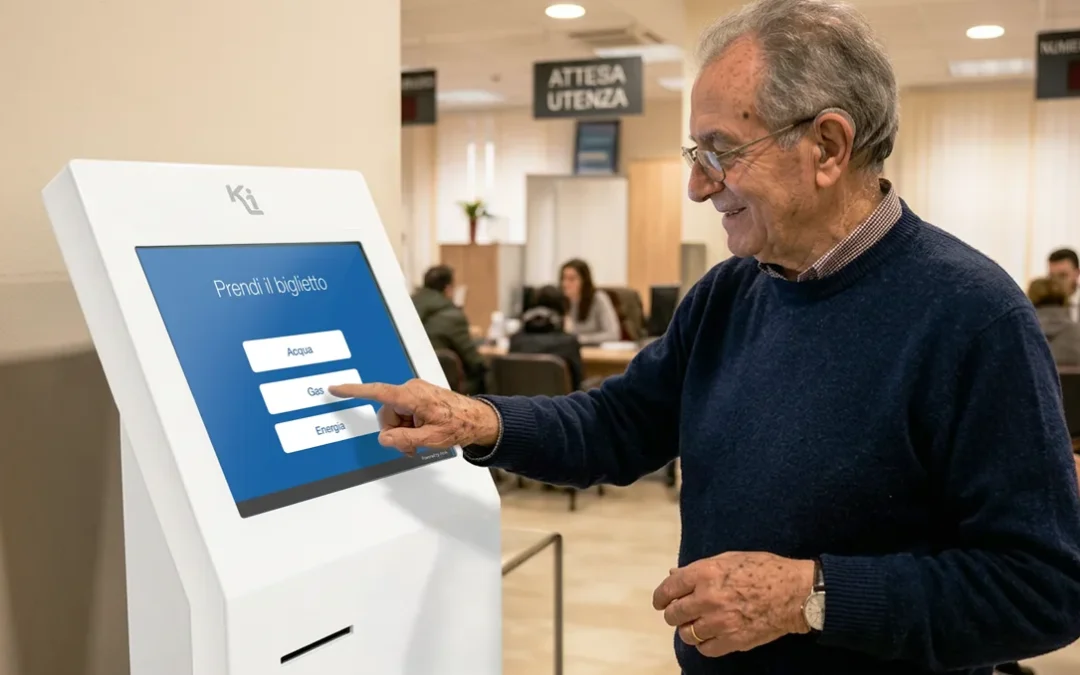
- Self-check-in upon arrival: the patient collects the ticket via a kiosk, without interacting with administrative staff
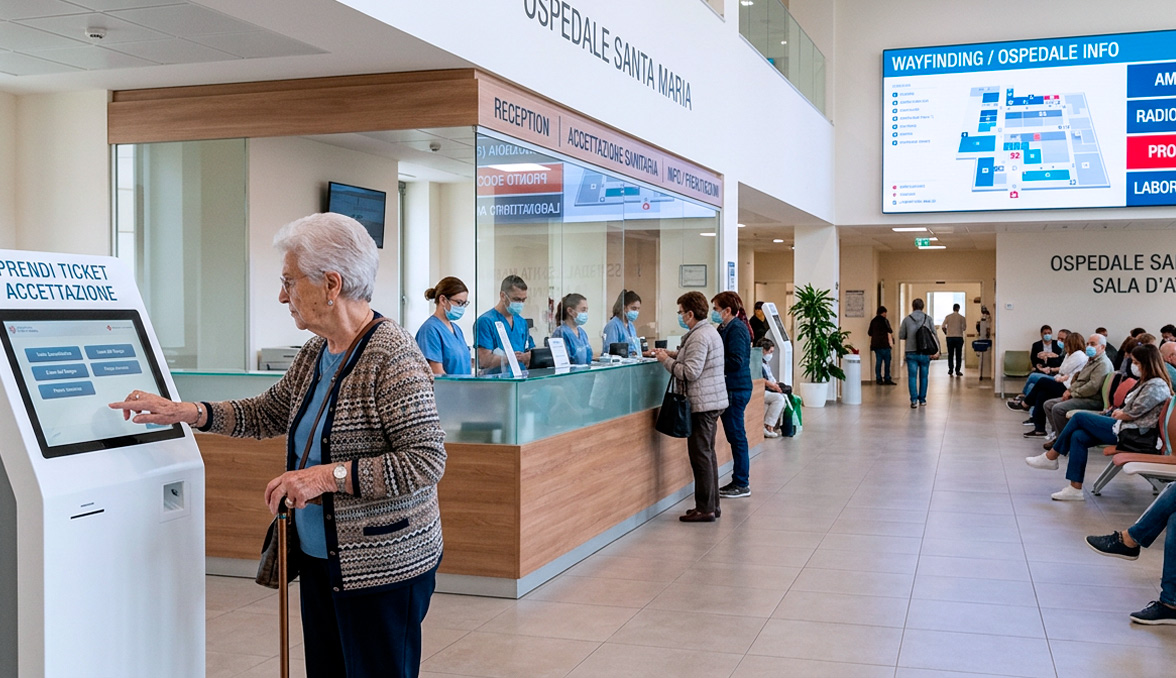
- Numeric call on display: the number is displayed on screens in the waiting rooms with the counter indication, eliminating the anxiety of “did I miss my turn?”
- Integrated booking with Hydra Booking: those who book online arrive with an appointment already in the flow — no additional tickets, no duplications
- Statistics and analysis: average waiting times by department, flow distribution by time slot, peaks and bottlenecks — data that allows the facility to optimize staff deployment
- Hydra Call: in combination with Live Hospital, enables video calls with a remote operator directly from the counter or kiosk
The operational result is twofold: the patient It’s more relaxed because it has clear information; staff are more efficient because they don’t have to deal with constant requests for information and can focus on their front desk duties.
4. Orientation in healthcare facilities: Kiosk Wayfinder
A medium-sized hospital may have dozens of departments, spread across multiple floors and sometimes in separate buildings. Traditional static signage—arrows, signs, and posted maps—doesn’t scale with complexity: it rarely updates, doesn’t answer specific patient questions, and doesn’t show the route.
Kiosk Wayfinder is digital wayfinding software installed on touchscreen kiosks that solves the problem of orientation at its root.
In a hospital setting, Wayfinder allows patients to:
- Search for a department or service by name, category, or floor
- View an animated route from their current location to their destination—clearly indicating stairs, elevators, and critical intersections
- Navigate between connected buildings even when the facility is spread across multiple buildings
- Access service information: office hours, helpful numbers, and temporary alerts
The benefit for staff is direct and measurable: each active Wayfinder totem significantly reduces requests for directions from nurses and administrative staff—time that can be redistributed to clinical activities.
Wayfinder’s back office system allows maps and destinations to be updated in real time, without technical intervention: when a department changes floors or a service is temporarily moved, the map updates in minutes.
5. Video assistance and telemedicine: Kiosk Live Hospital
Not all healthcare facilities can guarantee the physical presence of specialized personnel at every location and at every time. Healthcare companies with multiple branch offices, peripheral clinics, and regional health centers: in these contexts, the lack of a physically present specialist is a structural problem that staff face daily with makeshift solutions.
Kiosk Live Hospital is the video assistance system designed specifically for the hospital market, enabling direct contact between patients or visitors and a remote operator through a totem or digital counter.
Concrete applications in the healthcare sector include:
- Remote reception and triage: a centralized operator manages admissions at multiple locations simultaneously
- Remote specialist consultations: the patient interacts with the specialist via video, with the same quality as an in-person visit for services compatible with remote modality
- Visitor assistance: information on schedules, departments, and access procedures—managed remotely without physically managing each point
- Integration with Hydra Call: patients requiring assistance while queuing can activate a video call directly from the queue management kiosk
Live Hospital is available in two versions: integrated into a Kiosk kiosk or as a software module on dedicated hardware, based on the architectural needs of the facility.
6. Communication on displays and video walls: the digital signage CMS
Hydra, Wayfinder, and Live Hospital cover operational processes. But a healthcare facility also needs communication—to patients, visitors, and staff—that goes beyond queue management or wayfinding.
The digital signage CMS (Content Management System) is the platform that allows you to manage content on displays, video walls, and information kiosks throughout the facility: from waiting rooms to corridors, from reception to wards.
In a healthcare facility, the CMS manages content of a wide variety of types:
- Informative content for patients: pre-exam instructions, preparation for procedures, information on services and schedules
- Prevention and public health content: vaccination campaigns, screening programs, health education messages
- Institutional communication: presentation of the facility, its chief physicians, and the services offered
- Content for staff: organizational updates, department communications, operational KPIs on dedicated displays in reserved areas
- Entertainment content: for pediatric waiting rooms or long waits, light-hearted content that reduces waiting anxiety
The distinctive feature of a healthcare CMS is the ability to manage differentiated schedules for each department: the content displayed in an oncology day hospital is completely different from that in a pediatric emergency room. The system must allow this granularity without requiring advanced technical skills from the content manager.
7. Technical and regulatory requirements specific to healthcare
A digital signage system for healthcare must meet requirements that do not exist or are less important in other sectors.
Privacy and GDPR
Displays in waiting rooms that display ticket numbers must not associate the number with visible personal data. Video assistance systems must guarantee the confidentiality of communication. Any collection of biometric data (e.g., audience recognition for analytics) requires a specific Data Protection Impact Assessment (DPIA).
Accessibility.
Totems and displays must be accessible to users with visual, motor, or cognitive disabilities. This requires compliant installation heights, adequate visual contrast, touchscreen interfaces that can be used with varying motor skills, and in some cases, audio support.
Operational Continuity.
A system crashing at 3 a.m. in an emergency room is a critical issue. The hardware must be professional, certified for 24-hour continuous use, with remote monitoring systems and automatic recovery procedures.
Integration with hospital information systems.
Maximum value is achieved when digital signage is integrated with the CIS (Clinical Information System) or hospital management system: updates on waiting times, department changes, and emergencies are automatically propagated to the displays without manual intervention.
Regional and national regulations.
In Italy, public healthcare facilities are subject to specific regulations regarding transparency, accessibility, and quality of services. Digital signage, when integrated into reception and institutional communication processes, must comply with these regulations.
8. How to Design a Digital Signage System for a Healthcare Facility
A digital signage project in healthcare doesn’t start with the hardware. It begins with a question: when do patients or visitors need information most—and what happens at those times?
The answer to this question generates a map of critical touchpoints. From that map, the system is defined.
The phases of a well-constructed project:
- Patient Journey Analysis. Map the patient’s path from entrance to exit: where they stop, where they ask for information, where they get lost, where they wait. Every critical point is a potential digital touchpoint.
- Define objectives for each touchpoint. Not “put a screen in the waiting room” but “reduce staff requests for information by 40%” or “increase the patient satisfaction score for waiting time from 3.2 to 4.0.” Measurable objectives determine measurable system choices.
- Choice of architecture. What systems are needed: just a CMS for information displays? Queue management? Wayfinding? Video assistance? The right architecture is one that covers the identified critical touchpoints, not the most comprehensive one.
- Content design. Define who creates content, how often, and what approval process is used. A technically excellent system with outdated content produces worse results than a simple system with curated content.
- Gradual implementation. It’s better to start with one department or area and expand after validating the model, rather than installing everywhere at once and discovering problems in production.
- Measurement and optimization. Collect data (wait times, staff requests, satisfaction scores) before and after implementation. Use them to optimize the system over time.
→ For a complete overview of how Kiosk approaches patient experience design, read How to improve the patient experience in hospitals.
FAQ
What is the difference between digital signage and a queue management system in healthcare?
Queue management systems (like Kiosk Hydra) manage patient flow: tickets, calls, and counters. Digital signage manages visual communication on displays: informational content, institutional messages, and program schedules. In a well-designed healthcare facility, the two systems are integrated: Hydra updates the waiting room displays in real time with the numbers called, while the CMS manages the information content on those same displays. Integration is the key that makes the difference between a fragmented system and a consistent patient experience.
Is digital signage in hospitals compatible with privacy regulations?
Yes, as long as the system is designed with privacy by design. Displays in waiting rooms show ticket numbers — not names or personal information. Video assistance systems use encrypted connections. If the system includes audience analytics features (e.g. view counting), a DPIA assessment is required. Kiosk designs all systems in compliance with the GDPR and current Italian health regulations.
How long does it take to implement a digital signage system in a healthcare facility?
It depends on the complexity of the project. An installation limited to a single area (e.g. CUP waiting room with queue management and information displays) typically takes 4-8 weeks from analysis to startup. A project spanning multiple departments and multiple integrated systems (Hydra + Wayfinder + Live Hospital + CMS) requires 3-6 months. The critical phase is not the hardware installation but the integration with existing hospital information systems and the training of the staff who will manage the contents.
Does the digital wayfinding system require frequent updates?
Structural updates (new departments, floor changes) are rare events and can be managed in a few minutes via the Wayfinder back office, without technical intervention. Information updates (temporary notices, timetables, seasonal closures) can be managed directly by the facility’s administrative staff. The system is designed to be autonomous in ordinary management.
Is Kiosk Live Hospital also suitable for small healthcare facilities?
Yes. Live Hospital is particularly useful for small structures or territorial facilities that cannot afford specialized personnel in each location: a centralized operator can manage reception and assistance in multiple points at the same time, guaranteeing a quality of service that would otherwise not be economically sustainable. The solution is available in scalable configurations, suitable for both large hospitals and peripheral clinics.

Are you considering a digital signage project for your healthcare facility?
Tell us about your project