In most projects—whether it’s a hospital waiting room, a clinic, a corporate reception area, or a university campus—when we talk about screens, we immediately think of hardware: monitors, video walls, size, and positioning.
Yet, it’s the digital signage software that determines whether those displays become a true communication channel or remain simply “lit screens” in the background.
In this article, we explore how “digital management” can simplify content management, enhance video walls, and strengthen brand image, while maintaining continuity with the architectural design of the waiting room and queue management systems.
Why talk about software (and not just screens)
In many projects, the discussion stops at the hardware: how many screens, what size, where in the waiting room.
The real difference, however, is made by the software that manages content, schedules, timetables, layout, and integration with other sources (such as the queue management system).
Good digital signage software decides:
- which content to display,
- on which screens or portions of a video wall,
- at what times or days of the week,
- with what priority rules (service information, calls, brand content).
While in the previous article we looked at how to design waiting rooms and queue management systems from a layout and flow perspective, here we focus on what brings those screens to life every day: the software direction.
Ease of management: who actually updates the screens?
One of the most common customer concerns is: “Who manages the content?”
For this reason, digital signage software for waiting rooms must be designed for those who manage communications and reception, not just IT.
The most effective platforms offer:
- clear interfaces for uploading videos, images, and text messages,
- management of schedules and playlists for individual rooms or groups of rooms,
- scheduling by time slots and days (e.g., different content in the morning and afternoon),
- centralized control of multiple locations and waiting areas.
The goal is to prevent the screens from becoming “static”: a well-designed system reduces operational effort and allows content to be kept up to date without complex interventions.
Video walls and digital walls: educate, orient, amaze
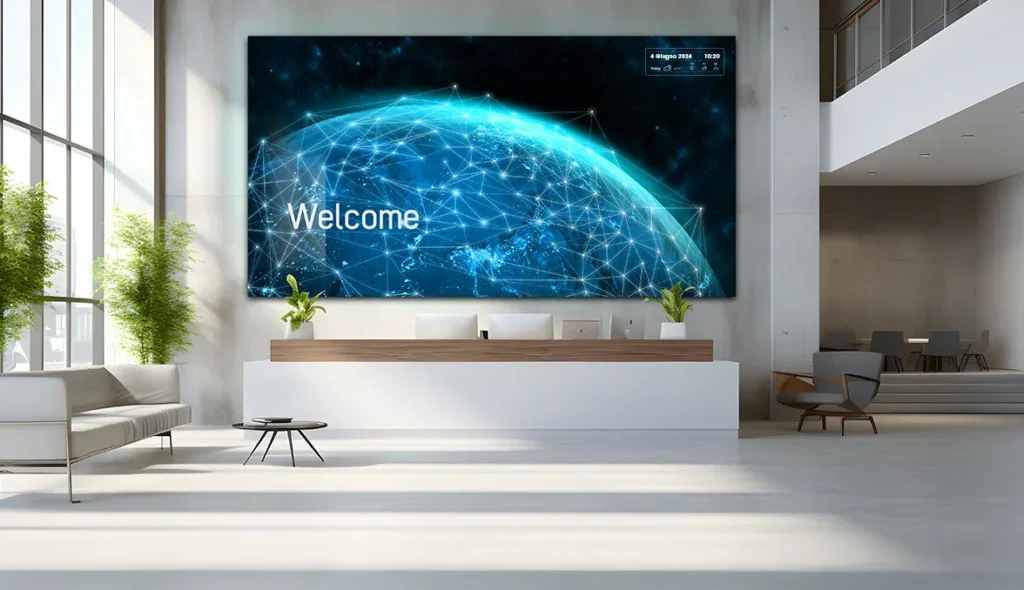
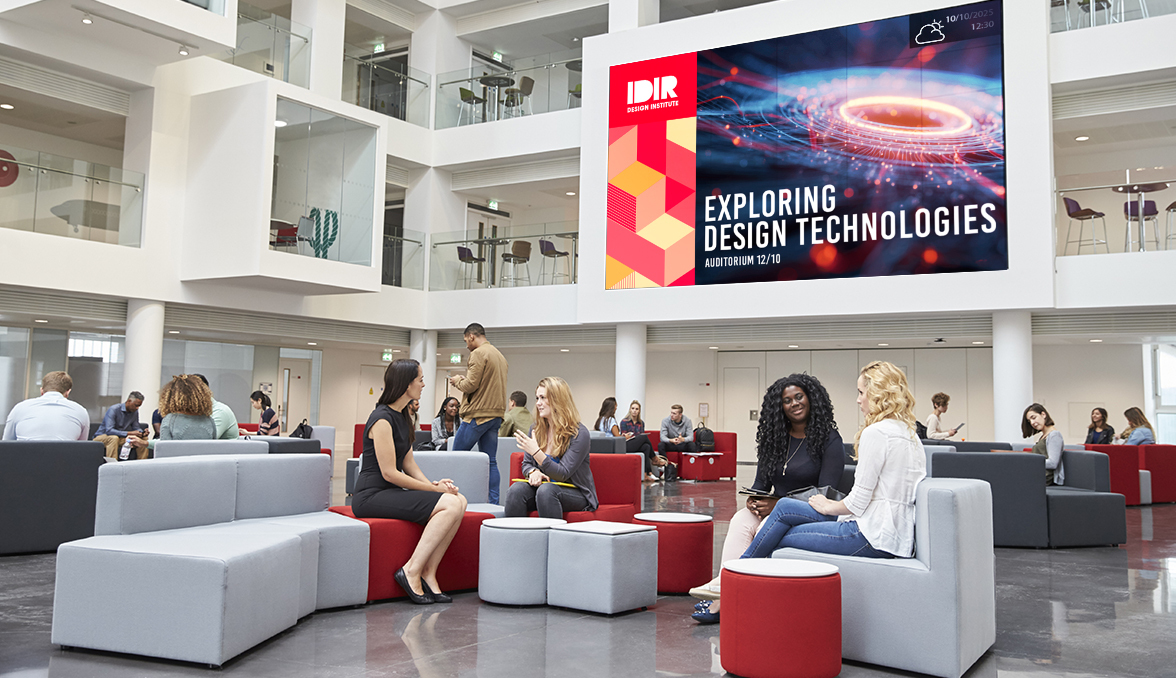
In corporate reception areas, university campus lobbies, hospital waiting rooms, and strategic outpatient clinics, video walls and large digital walls are increasingly used to welcome and impress.
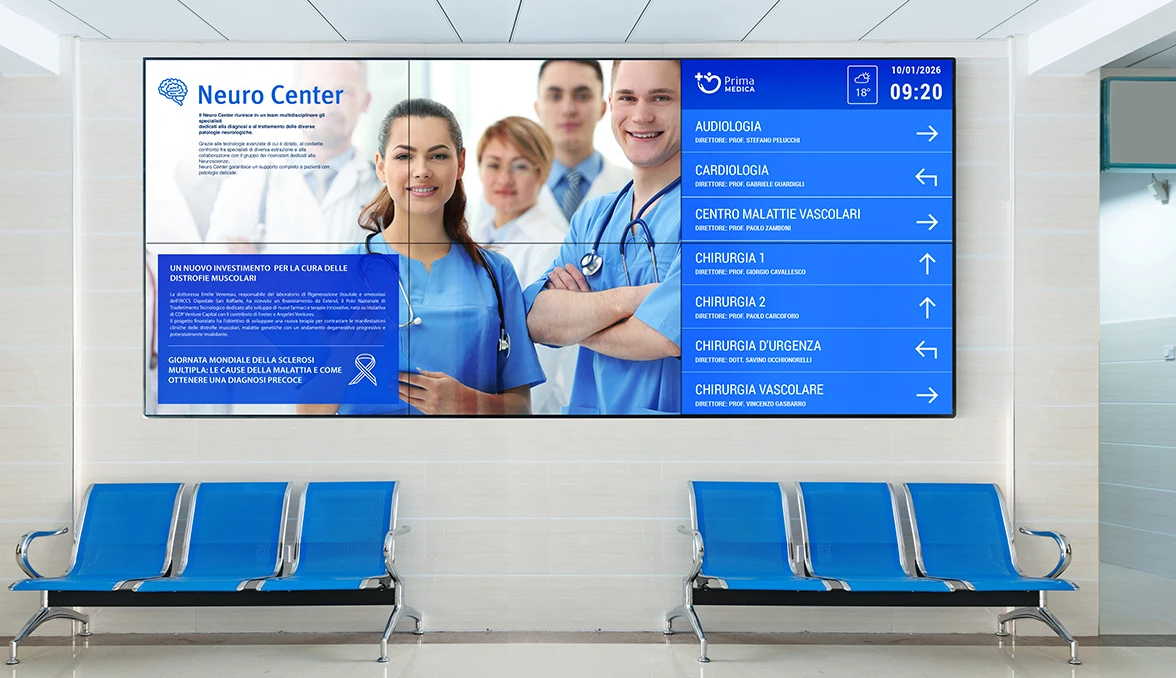
A video wall in the waiting room can be designed to:
- educate: prevention campaigns, route instructions, explanations of services;
- orient: maps, dynamic wayfinding, directions to departments, floors, or counters;
- create a “wow effect”: immersive content, motion graphics, visual storytelling that expresses brand identity.
The software allows you to orchestrate all of this: decide which content occupies the entire wall, which appears in specific areas, when to prioritize functional messages, and when to leave room for the brand’s story.
Wow effect and brand perception
A waiting room with well-managed video walls or screens immediately conveys a sense of order, care, and innovation.
Numerous examples in reception and lobbies demonstrate how large digital surfaces are used to position the company as modern, reliable, and attentive to the customer experience, especially in the first minutes of contact.
Visual content becomes part of the design choice: it is not a “filler,” but a language that interacts with the materials, lights, and volumes of the waiting room.
Digital signage software is the tool that makes this choice replicable and manageable, allowing the visual narrative to be adapted to events, campaigns, and key moments of the year.
Content Strategy for Waiting Rooms
An effective project doesn’t start with a list of screens, but with a simple question: What do we want to happen during the wait? What strategy should we adopt to enhance the customer experience during the wait?
Whether it’s an emergency room, a health center, a university front office, or a corporate reception, the principle is the same: waiting is a time that can inform, orient, and reassure, if managed with the right content.
Best practices for digital signage in waiting rooms focus on a balanced mix of content:
- service information (how access works, what is needed, the order in which the steps occur);
- educational or institutional content (prevention and treatment pathways in healthcare, information on services and deadlines in universities, corporate culture and projects in the corporate sector);
- light infotainment (selected news, weather, relaxing visual content);
- promotion of services and opportunities often overlooked by the public.
The software must allow these mixes to be defined for each room, modulating the type and intensity of content based on the context (healthcare, corporate, retail) and the audience (families, businesses, regular users).
Integration with queue management systems and live data
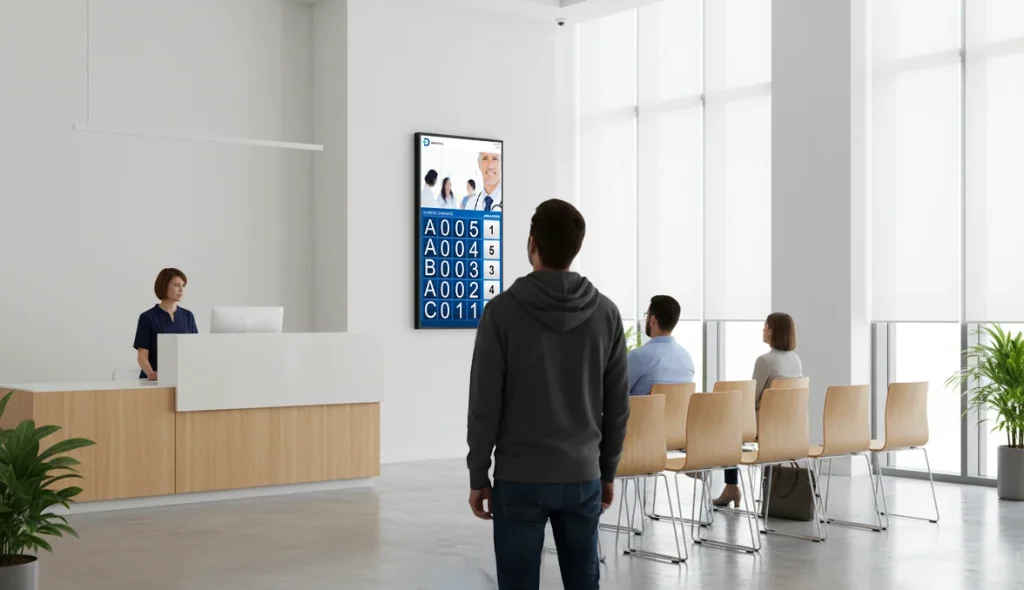
Maximum value is achieved when digital signage is integrated with the queue management system.
In this scenario, room screens can display in a coordinated manner:
- numbers called and reference counters,
- queue status and any priorities,
- specific messages for each room or service.
Integration reduces the sense of uncertainty (“will I be called?”, “how long is it?”) and makes the wait more legible and organized.
It’s also a natural point of contact with the article dedicated to waiting room and queue management systems design, which addresses layout, flow, and kiosk integration into the architectural design.
Involve the software provider already during the design phase
As with the queue management kiosk, digital signage software should also be considered in the initial stages of the project, when defining the layout, arrangements, and visual concept.
For architects, interior designers, and contractors, working with the supplier right from the start means:
- correctly designing the positioning, formats, and orientation of screens and video walls based on the expected content;
- incorporating all necessary provisions into the system layouts (power supply, network, brackets, recessed installations, ventilation);
- checking sight lines, reflections, reading distances, and overall visual impact;
- aligning the content strategy with the end customer’s needs in advance, avoiding last-minute compromises.
In this way, the software becomes a true invisible architecture: it defines what happens on the screens, at what times, and with what tone, combining functionality, aesthetics, and user experience.
If you’re designing waiting rooms where screens and digital walls can truly make a difference, it makes sense to also define the software that will govern them from the start.
 |
Are you working on a waiting room project?Book a call with one of our specialists Kiosk: Starting with your project, we can help you choose the most suitable digital signage software, design the content logic together, and seamlessly integrate video walls, monitors, and queue management systems into your waiting rooms. |
|
You are working on a hall project Waiting?Schedule a call with one of our Kiosk specialists: starting with your project, we can help you choose the most suitable digital signage software, design the content logic together, and consistently integrate video walls, monitors, and queue management systems into your waiting rooms.
|